Knight 360
About Knight 360
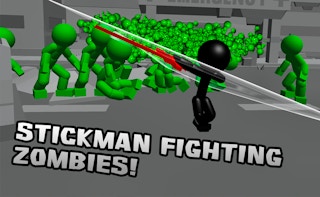
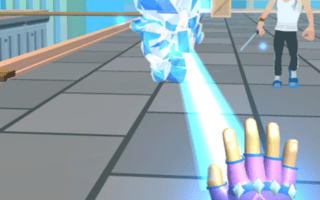
In Knight 360, become a valiant knight battling eerie monsters with strategic spin attacks. Navigate intricate 3D environments and fend off skeletons and ghosts with skillful combat. Each level challenges your wits and bravery as enemy tactics change, creating an escalating test of survival and cunning.
How to play
Hit Play now above and the game loads right here on this page — nothing to download, no account to create. It is built for a portrait (phone-style) screen of 600 × 800 and plays with mouse, keyboard or touch, depending on the title. Use the game's own fullscreen button for the biggest view.
Tips for fighting games
- Your opponent's first move of every round is a habit — watch for it twice, then punish it the third time.
- Jumping in is the fastest way to lose. Walk forward, block, and let them make the first mistake.
- Losing a round teaches more than winning one: note the exact move that kept hitting you and practise against that.
Knight 360 — FAQ
Is Knight 360 free to play?
Yes — Knight 360 is completely free at Gameza. No account, no download, no payment; the site is funded by advertising.
Can I play Knight 360 on my phone?
Yes — it runs in your phone's browser exactly as it does on a computer. It is built in portrait, so on a phone it plays naturally held upright — and it works on a computer too.
Do I need to download or install anything?
No. Knight 360 is an HTML5 game that loads right here in your browser when you press Play — nothing gets installed, and closing the tab removes it completely.
What kind of game is Knight 360?
Knight 360 is a fighting game with a 600 × 800 play area. More titles like it live on our Fighting shelf, linked under the game below.
More like this
If you enjoy Knight 360, browse the full Fighting category — One-on-one combat where timing beats button-mashing. Learn your fighter's range, guard the counters, take the round.
| Category | Fighting |
| Orientation | portrait |
| Game size | 600 × 800 |
| Price | Free |
| Devices | Phone, tablet & computer (browser) |
| Published | January 16, 2023 |